Best Free 10 YouTube Downloaders
A guide to the top 10 free, safe and reliable YouTube downloaders, helping you easily download YouTube videos in MP4 or extract YouTube audio for offline viewing.
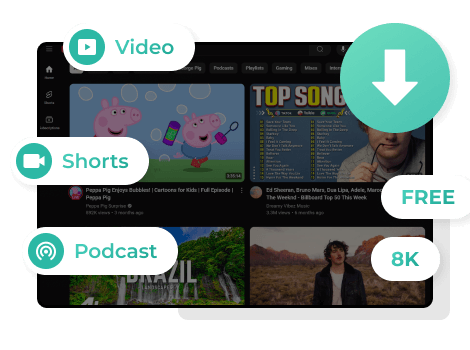
Read MoreFlixiCam allows you to download YouTube videos, Shorts, and podcasts completely free of charge. Unlike most YouTube downloaders that are limited to 1080p, FlixiCam supports resolutions up to 8K, delivering crisp and detailed visuals.
YouTube Shorts are fully supported, so these vertical YouTube videos can be saved just as easy as standard YouTube content. YouTube Podcast lovers are also fully covered, as FlixiCam supports easy downloading of YouTube podcast videos. Plus, FlixiCam also offers a free feature that lets users download YouTube Music MVs, making it simple to enjoy music videos offline anytime.
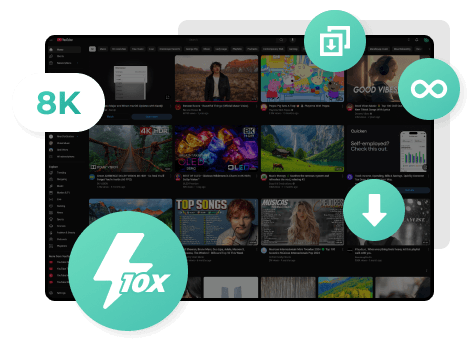
You can download any user‑uploaded YouTube video totally for free with FlixiCam — there are no download limits. You can add multiple YouTube videos to the queue for batch downloading at once, and let the program run quietly in the background while you keep working on other tasks.
FlixiCam YouTube Downloader brings you an ultra‑fast 10X downloading experience, helping you free download all YouTube videos in bulk easily.
YouTube Movies & TV provides free ad-supported, rental, and purchase options. Free ad-supported titles include older films and select documentaries. YouTube Rentals are available for 48 hours after playback begins, while YouTube Purchases grant you permanent digital access to watch anytime.
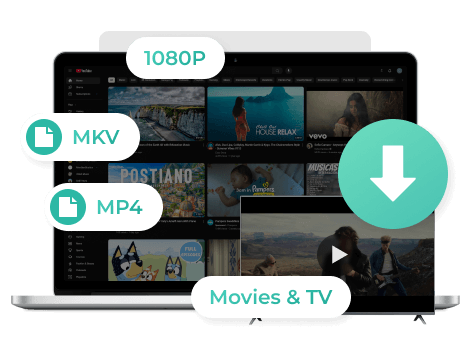
FlixiCam lets you locally download all official YouTube Movies & TV shows (including your rented or purchased) in MP4/MKV formats — both widely supported by phones, computers, tablets, and most media players. It supports YouTube downloads at up to 1080p Full HD, delivering sharp, high-quality playback on any screen.
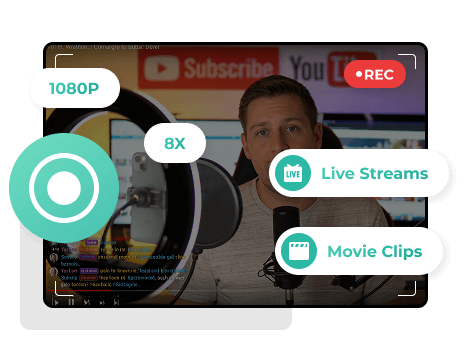
FlixiCam also comes with a powerful recording feature. YouTube live streams are temporary — once they end, the content is often gone or harder to find. With FlixiCam, you can record live broadcasts as they happen and keep them forever. All recordings are saved in up to 1080p resolution for clear quality.
For movie and anime fans, the clip recording feature is incredibly handy. Instead of downloading an entire film or series, you can download only the specific part of YouTube video you want. Recording supports up to 8X speed, saving you a significant amount of time.
Beyond video, FlixiCam also lets you download YouTube subtitles and audio tracks separately for free.
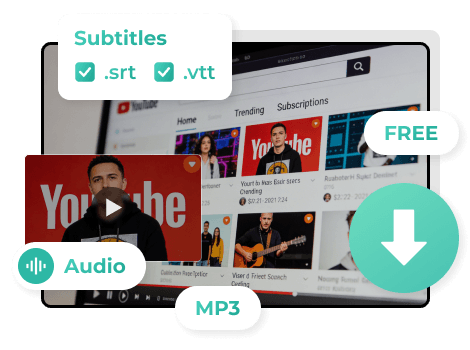
FlixiCam can easily save YouTube subtitles in both .srt and .vtt formats, compatible with most media players and editors. You can easily add YouTube subtitles to videos or use them for foreign language learning.
On the audio side, FlixiCam lets you extract audio from any YouTube video as an MP3 file. This is perfect for music lovers, podcast listeners, or anyone who wants to enjoy spoken content without needing to keep the video running.
🎧 Enjoy YouTube Music as MP3 for offline playback! Learn More >>
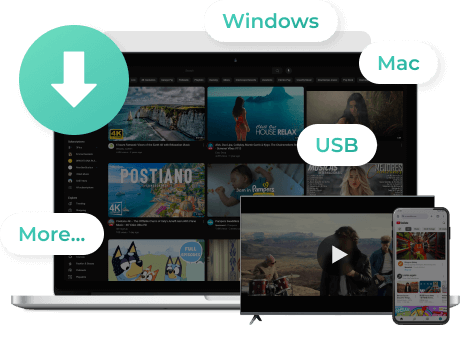
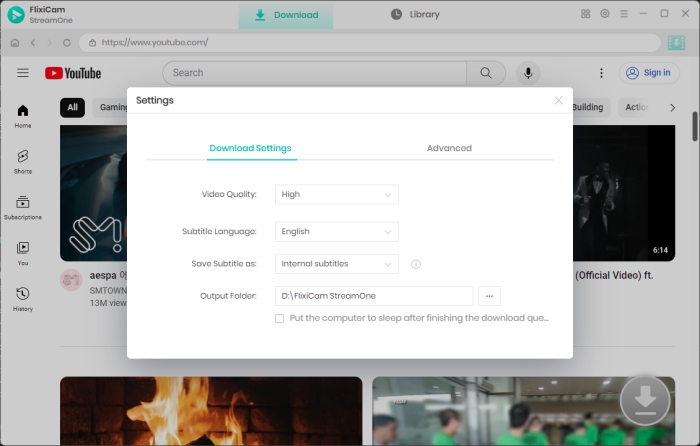
FlixiCam YouTube Downloader is fully compatible with both Windows and macOS. Simply select your desired YouTube video, choose the output settings, and click the download button. With just a few clicks, you can download YouTube videos in MP4 or MKV format directly to your computer.
Downloaded MP4 YouTube videos stay forever on the computer, you can thus watch YouTube videos for offline playback. You can also transfer YouTube videos to PS5/PS4, Xbox, Nintendo Switch, USB drives, smart TVs, DVD players, etc.
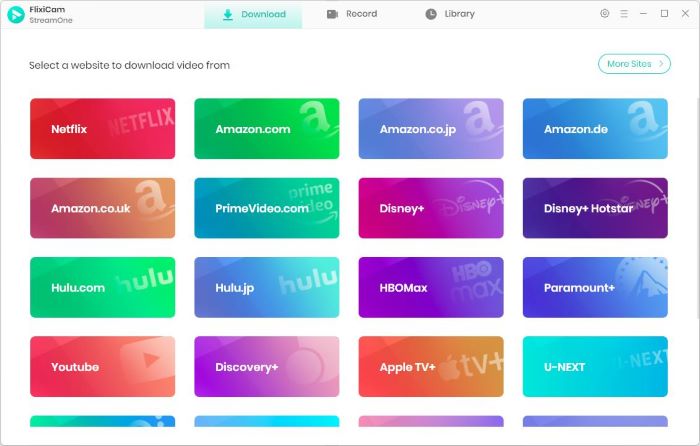
FlixCam downloader has a built-in YouTube window that works just like the real YouTube website. You can browser and add any video while downloading it in the background.
Video metadata helps you find and organize your files. FlixCam stores important details like the file name, video length, quality, and format. This makes your videos easier to manage and sort.
FlixiCam provides free technical support to help all users download YouTube videos easily. If you have any problems, our team is ready to help. Just contact us anytime you need assistance.
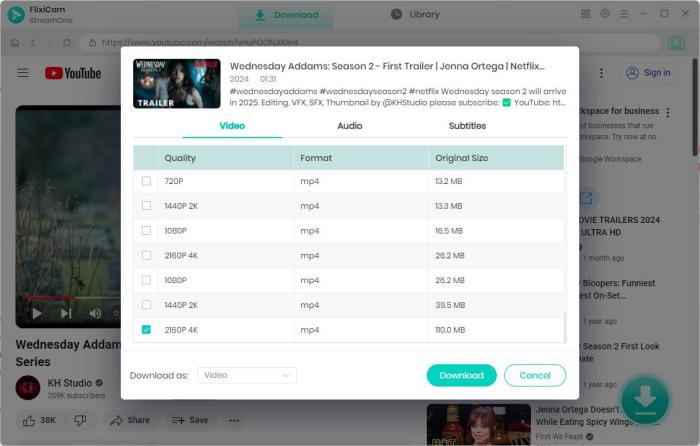
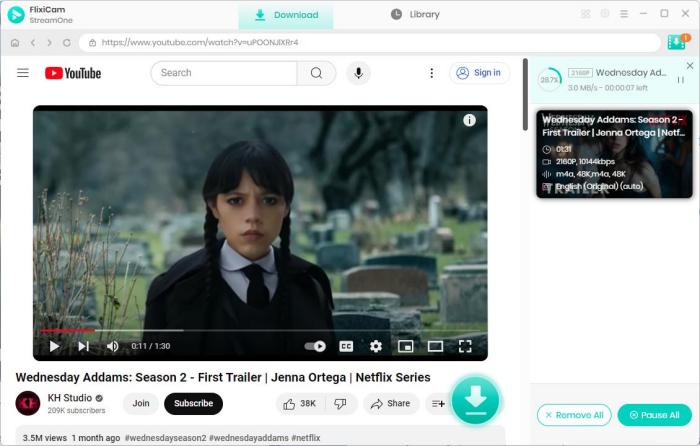
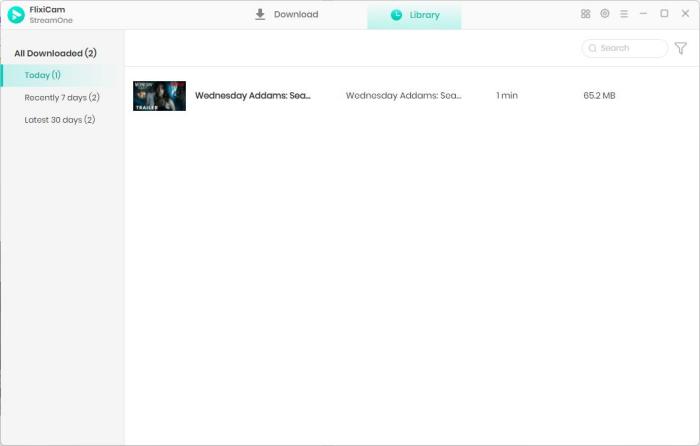
Try the basics for free. Upgrade to Pro for the full YouTube experience without limits.
| Features | Free Version | Pro Version |
|---|---|---|
| Support 8K Video Downloads | ✔ | ✔ |
| Download YouTube Videos | ✔ | ✔ |
| Download YouTube Shorts | ✔ | ✔ |
| Download YouTube Podcast Videos | ✔ | ✔ |
| Extract YouTube Captions/Subtitles | ✔ | ✔ |
| Extract YouTube Audio to MP3 | ✔ | ✔ |
| Download YouTube Movies & TV Shows | 5 minutes for trial | ✔ |
| Record YouTube Live Streams | 5 minutes for trial | ✔ |
| Record YouTube Movie & Anime Clips | 5 minutes for trial | ✔ |
| Download from 1000+ Popular Sites | 5 minutes for trial | ✔ |
No, you don’t need a YouTube Premium account to use FlixiCam. Even without one, you can use FlixiCam to download YouTube videos without ads. It’s worth noting that YouTube Movies & TV are paid, one‑time rental or purchase titles, which are not included with YouTube Premium. FlixiCam supports full-length downloads of these paid YouTube Movies & TV shows; the Free version offers a 5-minute trial for this feature.
FlixiCam supports up to 8K ultra HD for standard YouTube videos, and up to 1080p Full HD for YouTube movies, TV shows, and recorded content.
FlixiCam works well with most common desktop operating systems. For Windows users, it supports Windows 10/11. For macOS users, it works with macOS 11 or newer versions.
Yes. FlixiCam downloads YouTube videos in MP4 and MKV formats that are fully compatible with Windows, Mac, PS5/PS4, Xbox, Nintendo Switch, smart TVs, USB drives, DVD players, and other mainstream devices.
Yes. YouTube subtitles/captions are saved in widely supported .srt and .vtt formats, and YouTube audio is exported as MP3 files. All these output files can work directly with most video editors, media players, and other content creation tools.
Yes. The recording feature is made for targeted capture. You can record only the specific moments, scenes, or segments you want from live streams, movies, or anime instead of saving the entire YouTube video. All recordings are saved at up to 1080p resolution to keep stable and clear quality.
We offer after-sales support to make sure you have a trouble-free experience with FlixiCam. If you run into problems, just contact the FlixiCam support team at support@flixicam.com. Our team will find the solutions and fix the issues for you.
I highly recommend FlixiCam for its 8K download. I often download nature and travel videos from YouTube to use in my editing work, and FlixiCam always keeps all the details. I also use it a lot for YouTube Shorts; I follow many creative creators, and now I can download their short videos easily. FlixiCam has become a must-have for me.
I’m a college student who uses YouTube for studying, and FlixiCam has been very helpful for extracting audio and subtitles. I often listen to YouTube educational podcast when I commute. For my foreign language classes, the subtitle extraction is very useful, and the timing is always right, unlike other tools I’ve used that mix up the sync.
I used FlixiCam to download my favorite YouTube movies and shows, now I can watch them on my tablet during long flights. The live stream recording is a nice extra feature I didn’t expect! I follow a few gaming streamers, and I can save their live sessions even when I’m working. The recorded clips are clear, and I can edit them directly to keep my favorite moments.
I’ve used many YouTube downloaders, and FlixiCam is by far the most convenient one. The 10x download speed is impressive — even 4K YouTube videos finish downloading in just minutes. Batch download is another big plus; I can queue up 10+ links and let it work in the background. The built-in browser also lets me download YouTube videos without switching apps.
Learn more pro tips about how to enjoy YouTube videos offline.
A guide to the top 10 free, safe and reliable YouTube downloaders, helping you easily download YouTube videos in MP4 or extract YouTube audio for offline viewing.
Read More
To download full YouTube movies in 2026, this article has listed a few 100% working methods for you.
Read More
This article presents 7 verified methods to download YouTube subtitles in formats like SRT, VTT, and TXT.
Read More
This passage has listed the top 5 websites where you can safely download YouTube into MP3 for free.
Read More