What Does Limited Series Mean on Netflix
This article explains what Netflix limited series are, how to find them, answers common questions, and covers offline download methods for Netflix limited series.
Read More


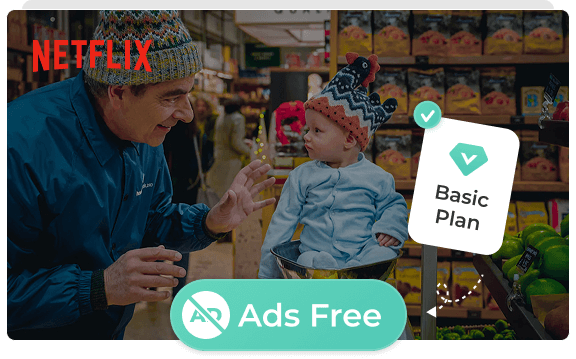
Tired of Netflix Basic suddenly pushing ads just when the story gets exciting? FlixiCam blocks all Netflix ads from your shows, so you can watch the hot new season from start to end with no interruptions at all.
FlixiCam lets you download Netflix episodes without ads, so the story plays on smoothly, without a single pause!
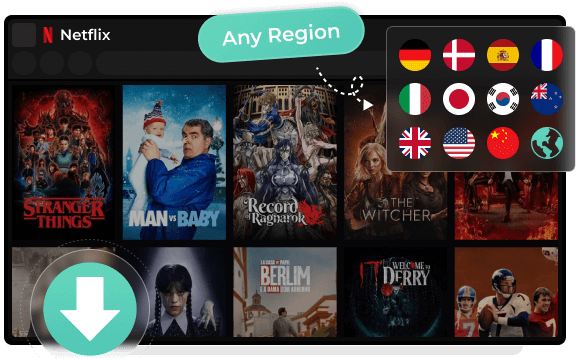
Hate that annoying "not available in your country" message when trying to watch a popular Netflix drama? FlixiCam Netflix Downloader fixes this — it lets you download any Netflix show or movie worldwide, even if it's only in the UK, US or Asia.
Just one click saves the Netflix video to your computer, and you'll never see that "not available" pop-up again!
With FlixiCam, all the Netflix videos you download stay saved on your computer forever — they never expire and won't be deleted by themselves.
There's no limit to how many you can download, so you can save as many Netflix shows and movies as you want, and watch them easily whenever you like later on.
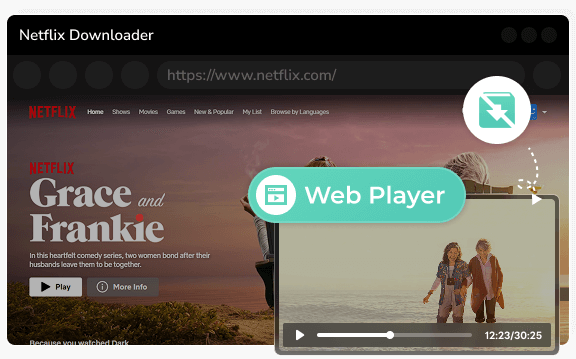
FlixiCam comes with a built-in Netflix player that lets you browse, search, and download your favorite Netflix shows directly — so you don't even need to have the Netflix app on your computer at all.
This all-in-one design saves space on your device and gives you a quicker way to watch Netflix videos offline.
Offline Netflix viewing is a top request for millions of users — especially remote workers or travelers wanting to watch Netflix on laptops. But Netflix's built-in offline download feature has strict device limits: it only works on phones and tablets. Windows and Mac users can't directly download Netflix videos via official channels.
FlixiCam Netflix Downloader solves this problem perfectly. It lets you download all types of Netflix videos directly to your laptop for offline viewing, including Netflix Movies, TV Shows, Originals, Documentaries, Anime and more!
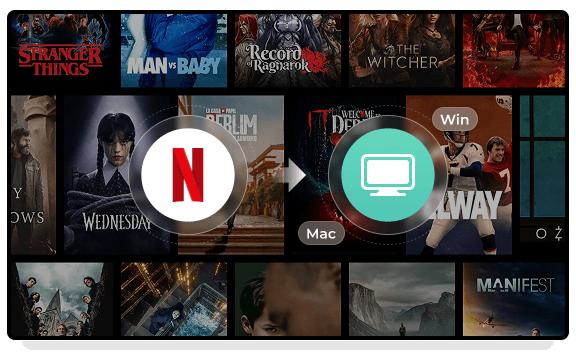
FlixiCam lets you download Netflix shows and episodes in MP4 and MKV formats. These video formats work with almost all mainstream media players and devices — whether it's Windows Media Player, VLC, or your smart TV — so you can watch Netflix videos offline without opening the Netflix app.
With Flixicam, you can copy, save, and watch your Netflix downloads on any device you own!
FlixiCam allows you to download Netflix videos in 1080p HD and fully ad-free, matching the original streaming quality perfectly.
Better yet, FlixiCam supports batch downloading of Netflix episodes — save entire seasons in one go, no repeated manual clicks needed. On top of that, it offers 10x faster download speeds: a full-length Netflix movie takes far less time to download to your device vs the official Netflix app.
FlixiCam Netflix Movie Downloader lets you download the Netflix videos without losing the original visual fidelity or any of its soundtracks, including Dolby Atmos & Dolby 5.1 surround sound.
Every Netflix subtitle is downloaded in perfect sync, so they stay timed across any media player. What's more, you can export video, audio, and subtitles as separate files, making it easy to edit or add your own translations. Best of all, it retains high-quality audio up to 768kbps for an immersive viewing experience.
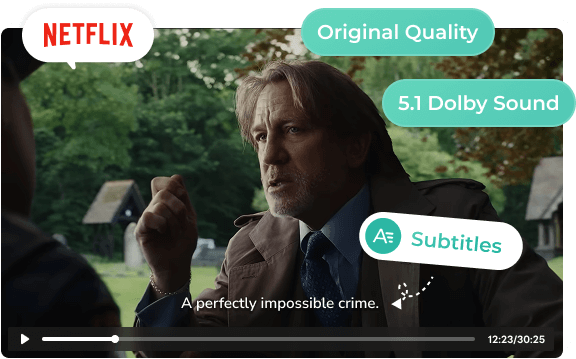
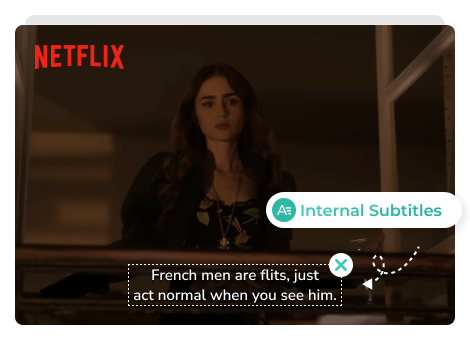
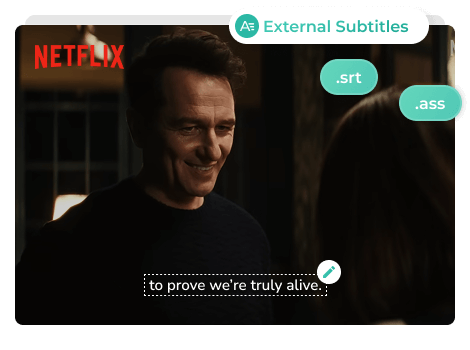
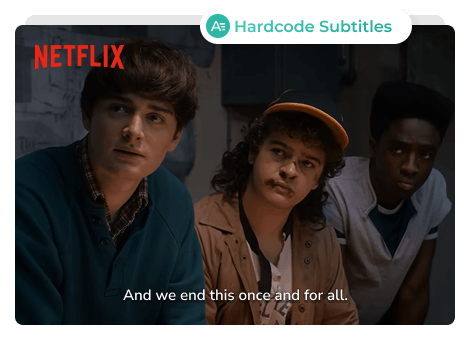
Flixicam provides three subtitle modes for Netflix downloads, so you can choose what works best for your watching or editing needs.
Resume Netflix downloads anytime, plus batch download multiple Netflix episodes or seasons at once with 10x speed.
No need to switch between apps. Use smart search to quickly find any Netflix show or movie from the built-in Netflix browser in seconds.
Your Netflix downloads retain all tags, audio description, titles, cast & posters for easy collection organization.
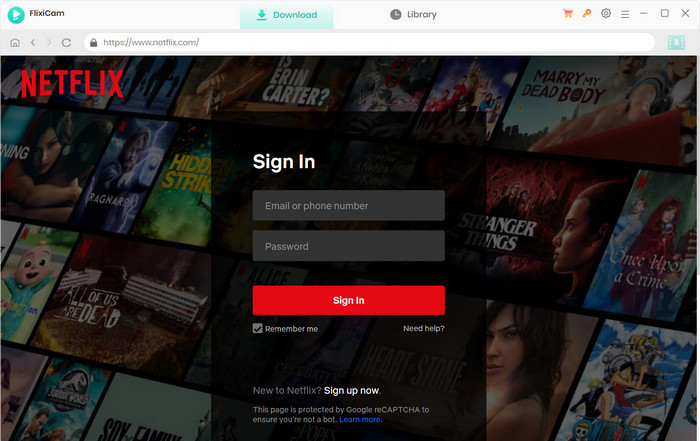
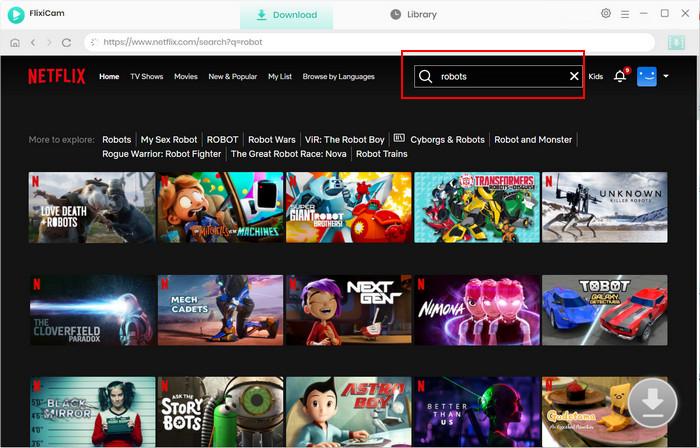
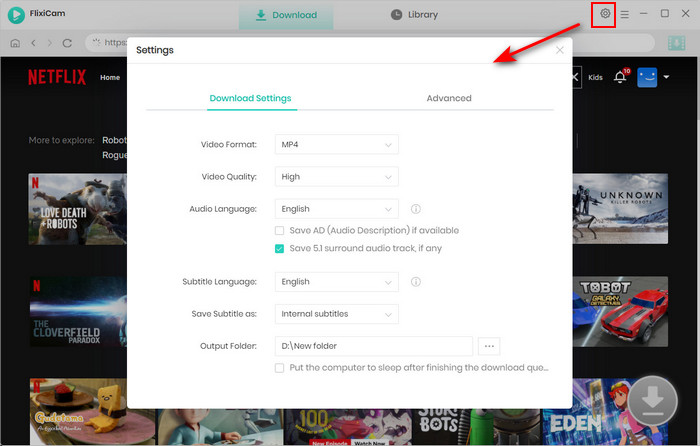
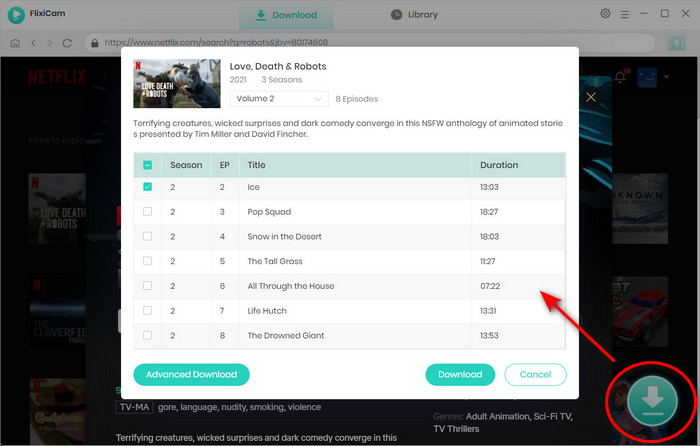
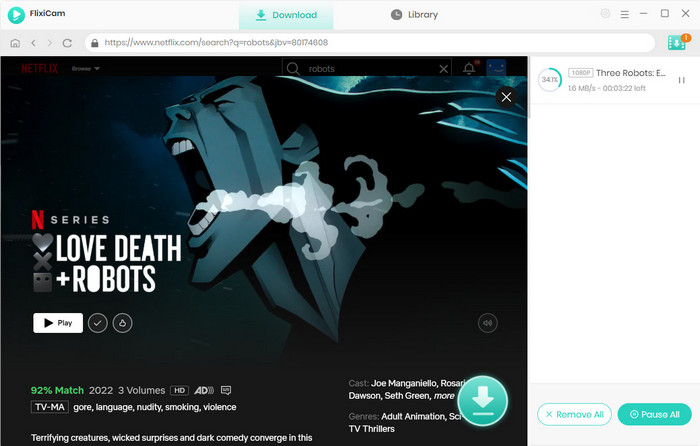
I got FlixiCam mainly to download the full fifth season of Stranger Things to my laptop for offline watching. The interface is super clean with no ads, and it has a built-in Netflix player, so I just search for Stranger Things, click the plus icon, and start downloading right away. I can also pick the resolution and subtitles in different languages. Very impressive!
I subscribed to Netflix Basic Plan to save monthly fees, but pre-roll ads were way too long. I found FlixiCam lets me download Netflix shows ad-free, so I tried it. Tested with an Emily in Paris episode: the downloaded MP4 played instantly with zero ads! I downloaded the whole season for offline viewing, watched it on my commute with no data used. Highly recommend!
As a grad student doing cross-linguistic subtitle comparison for film/TV analysis, FlixiCam is an invaluable tool. For my Dark Season 1 research, it let me download Netflix original German audio, English dubbing and multiple subtitle tracks at once via its built-in player. I toggle perfectly between tracks in PotPlayer, ideal for language study and linguistic analysis!
I have a dusty 2015 desktop, glad FlixiCam Netflix Downloader works on older PCs. I downloaded the first five Money Heist Netflix episodes with subtitles, let it run — flawless downloads, zero frame loss. Playback in VLC was just as smooth as Netflix. For old computers needing an easy way to download Netflix shows for travel/slow internet, FlixiCam does the job perfectly.
FlixiCam Netflix Video Downloader is a dedicated tool that helps you download Netflix movies and TV shows directly to your Windows or Mac computer. Without installing the Netflix app, you can save videos in MP4 or MKV format and watch them offline anytime without expiration limits.
Yes. FlixiCam Netflix Video Downloader is a clean and secure application with no malware, spyware, or bundled software. Your personal information and viewing activity are not collected, stored, or shared with any third parties.
Yes. FlixiCam allows you to download Netflix videos in MP4 or MKV format, making them compatible with most devices and media players. Downloaded videos can be watched offline anytime.
Yes. FlixiCam can preserve multilingual subtitles and audio tracks while downloading Netflix videos. You can save subtitles as internal, external, or hardcoded subtitles based on your needs.
Compared with many Netflix downloaders, FlixiCam offers up to 10X faster download speeds and stable performance for efficient batch downloading. It supports high-quality video output while preserving multilingual audio tracks, subtitles, and Dolby Atmos audio for an enhanced viewing experience.
Yes, you need a valid Netflix account to use Flixicam Netflix Downloader. Also, make sure the Netflix videos you plan to download are playable with your account and that your Netflix subscription remains active.
Flixicam Netflix Downloader lets you try it for free to test its features. With the free version, you can download the first 5 minutes of any Netflix video. If you like how it works and need to download full Netflix videos without time limits, you can purchase a registration code to unlock all the features.
Flixicam Netflix Downloader works well with most common desktop operating systems. For Windows users, it supports Windows 10/11. For macOS users, it works with macOS 11 or newer versions.
Of course you can. A great thing about Flixicam Netflix Downloader is that the Netflix videos you download are saved in MP4/MKV formats. You can easily move the downloaded Netflix videos to any of your devices, like phones, tablets, game consoles or portable players. You can watch them offline without being tied to the computer.
FlixiCam Netflix Video Downloader is designed exclusively for Netflix. FlixiCam StreamOne is an all-in-one video downloader that supports Netflix, Disney+, Amazon Prime Video, Hulu, Max, YouTube, and 1000+ streaming platforms in a single application.
We offer after-sales support to make sure you have a trouble-free experience with Flixicam Netflix Downloader. If you run into problems, just contact the Flixicam support team at support@flixicam.com. Our team will find the solutions and fix the issues for you.
Learn more pro tips about how to enjoy Netflix videos offline.
This article explains what Netflix limited series are, how to find them, answers common questions, and covers offline download methods for Netflix limited series.
Read More
A guide on how to download Netflix shows and movies for offline viewing on laptop on a plane, covering official methods and ways to get smooth, ad-free viewing during flights.
Read More
Want to save Netflix movies for offline viewing? Learn how to rip movies from Netflix using a downloader, screen recorder, or open-source tool.
Read More
We tested 5 Netflix downloaders for PC, Mac, Android, and iPhone to find the best option to download Netflix movies. Compare free trials, features, and performance in this review.
Read More